LG Washing Machine OE Error Code Problem
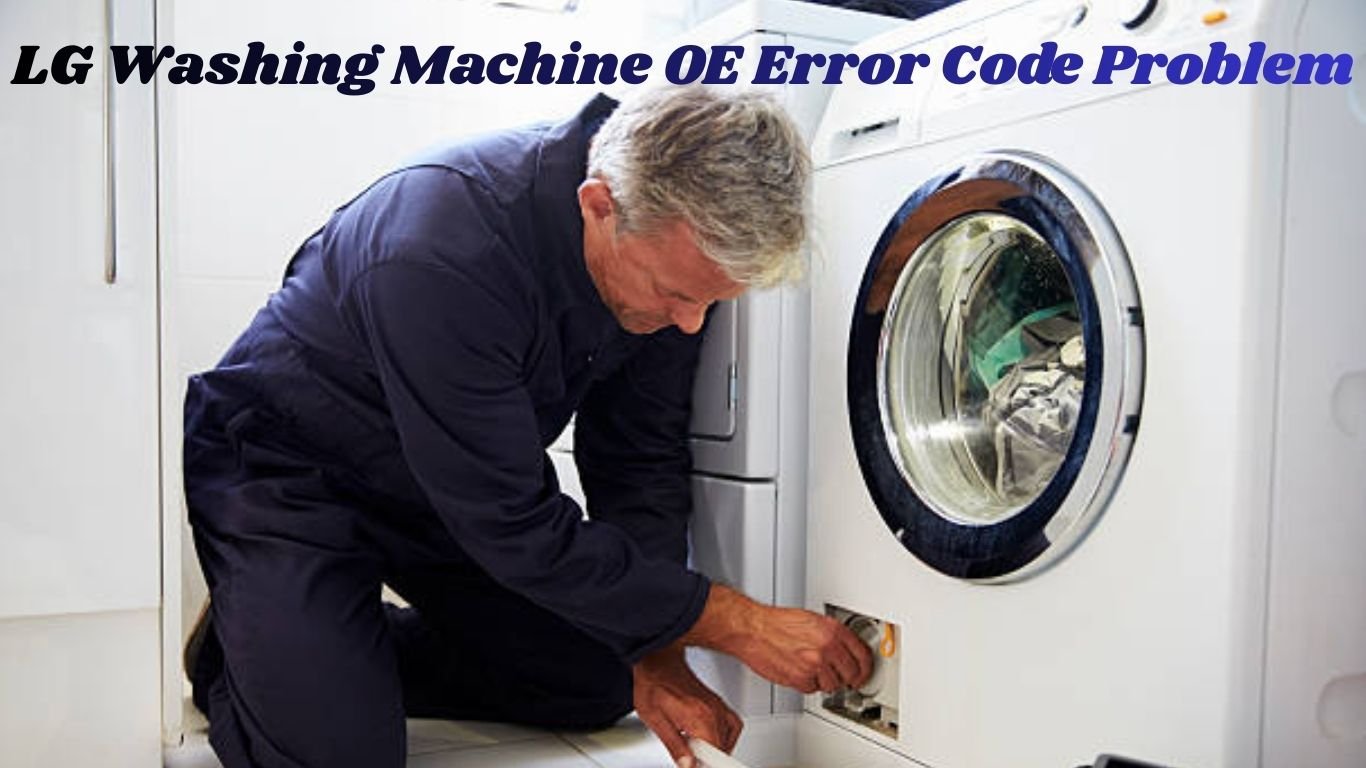
LG washing machines are well-known for their smart technology, smooth performance, and long-lasting durability. But even the best appliances can develop issues over time. One of the most common problems faced by LG washing machine users is the OE Error Code. This error appears when the machine is unable to drain water properly and stops the wash cycle midway.
If your LG washing machine repeatedly shows the OE Error, don’t worry. This detailed guide will help you understand what the OE error means, why it happens, how you can fix it at home, and when you should call a professional technician.
What Does the LG Washing Machine OE Error Code Mean?
The OE Error Code indicates a drainage problem. This means your washing machine is trying to remove water from the drum, but the water is not exiting through the drain hose or pump.
In simple words:
OE Error = Water Not Draining
When the machine cannot drain water within a fixed time, it automatically stops the cycle and displays the OE code to prevent damage to internal parts like the motor or PCB.
Common Causes of the LG Washing Machine OE Error code
The OE error doesn’t occur due to one single reason. There are several drainage-related issues that can trigger this error. Below are the most common causes:
1. Blocked Drain Hose
This is the number one reason for the OE error. Over time, the drain hose can get blocked by:
-
Lint from clothes
-
Dirt or sludge
-
Paper, tissues, or debris
-
Soap residue
-
Small cloth fibers
A clogged hose restricts water flow, causing the machine to show OE.
2. Drain Hose Bent, Twisted, or Pressed
If the drain hose is:
-
Folded
-
Twisted
-
Pressed behind the machine
-
Inserted too deep into the drain
… then water will not flow out smoothly. Even a small bend can slow the drainage.
3. Blocked Drain Pump or Impeller
The drain pump is responsible for pushing water out of the tub. Items like:
-
Coins
-
Hair clips
-
Buttons
-
Small fabric pieces
-
Rubber bands
… can get stuck inside the pump impeller and prevent it from spinning.
4. Clogged Pump Filter
Many LG models include a pump filter that catches small debris. When the filter becomes clogged, the drainage slows down or stops completely.
5. Overloading the Washing Machine
Putting too many clothes in the drum adds weight and pressure on the drain system. This can slow down drainage and cause the OE error.
6. Faulty Drain Pump Motor
If the pump motor becomes weak, gets burned, or stops working altogether, the machine will fail to drain water and show the OE code.
7. Incorrect Installation or High Drain Outlet
If the drain outlet is installed too high, the machine has to push water upward, which may cause drainage failure.
8. PCB Not Sending Power to the Pump
If the main PCB fails to supply voltage to the pump, the drain pump won’t function. This is a technical issue that requires expert diagnosis.
How to Fix LG Washing Machine OE Error at Home (Simple Steps)
In many cases, you can fix the OE error yourself without needing a technician. Follow these simple steps:
1. Clean the Drain Hose
-
Turn off the machine and unplug it.
-
Remove the drain hose from the back.
-
Wash the hose thoroughly with water.
-
Blow air through it or flush water to remove any blockage.
If the hose is clogged, cleaning it will instantly solve the issue.
2. Straighten the Hose
Make sure the drain hose is:
-
Not twisted
-
Not bent
-
Not pressed behind the machine
-
Positioned correctly at the recommended height
This small adjustment often fixes the problem immediately.
3. Check Your Drainage Outlet
Sometimes the drainage line in your home may be blocked.
Pour water directly into the drain outlet to check if it’s flowing properly.
4. Clear the Pump Filter
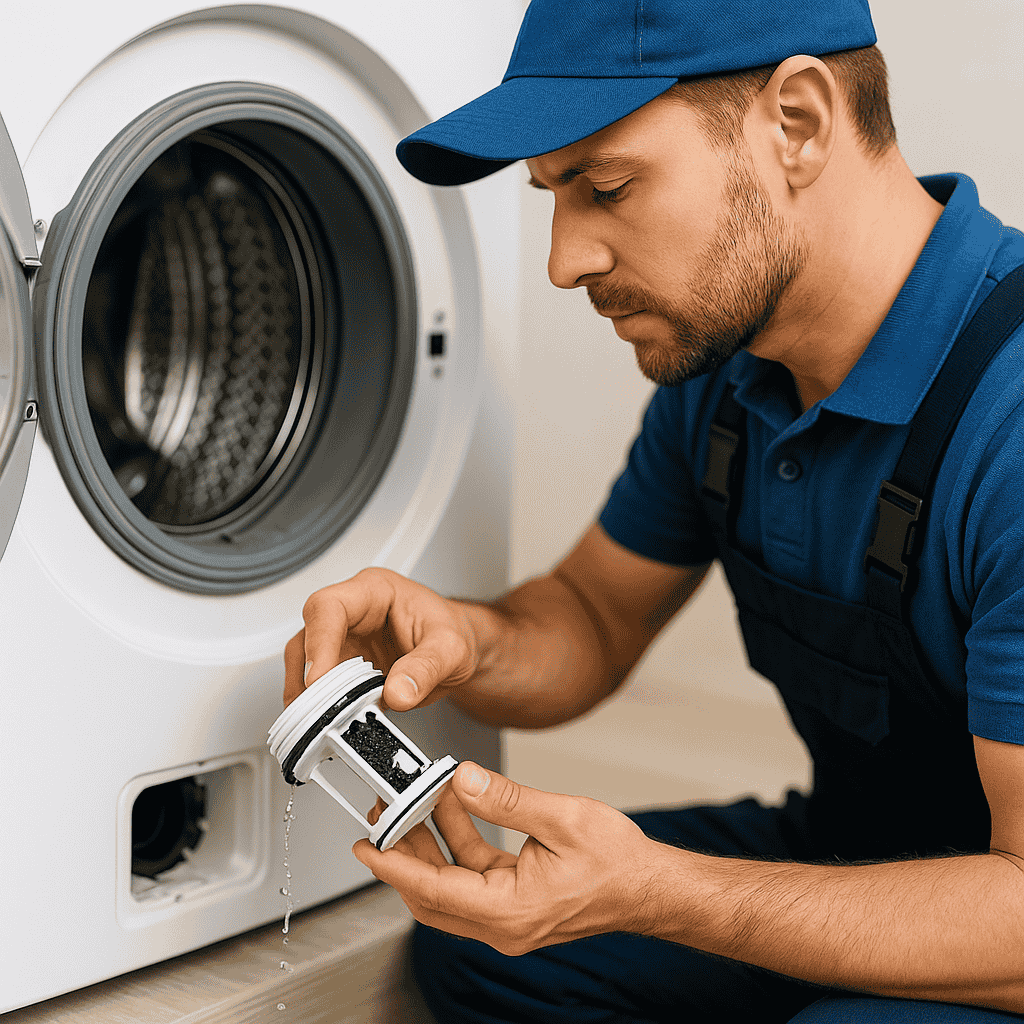
If your LG model has a pump filter, remove the cover, twist the filter, and clean it.
You may find lint, coins, or other debris inside.
✔ 5. Reset the Washing Machine
-
Turn off the appliance
-
Unplug it for 5–10 minutes
-
Plug it back in and restart
A simple reset can fix temporary errors.
6. Reduce the Laundry Load
Take out some clothes and try running the drain cycle again.
Overloading often slows down the pump.
When Should You Call a Technician?
If the OE error still appears after trying all the above steps, the issue may be internal. You should call a professional when:
- The drain pump makes noise, but doesn’t drain
- The pump does not run at all
- The machine stops repeatedly with water inside
- There is a burning smell from the pump
- PCB is not sending voltage to the pump
- The error returns frequently in every wash cycle
In such situations, only an experienced washing machine technician can diagnose and repair the problem safely.
Professional LG Washing Machine OE Error Code Problem Repair – Metro Hometech Services
If your LG washing machine is still showing the OE error, Metro Hometech Services provides fast and reliable doorstep repair.
Why Choose Us?
-
Expert LG washing machine technicians
-
Same-day doorstep service
-
Genuine spare parts
-
Affordable service charges
-
30–90 days service warranty
-
Complete drainage system inspection
Call Now: 08850019085
Metro Hometech Services – Mumbai
